

How Long Should an iPhone Take To Charge ? The process of charging an iPhone is a fundamental aspect of owning and using this popular device. Understanding how it works can help users optimise their charging time and ensure the longevity of their battery. When an iPhone is connected to a power source, electricity flows from the charger into the device’s battery, replenishing its energy levels.
Key Takeaways
- iPhone charging time can vary depending on several factors, including battery capacity, charging method, and battery health.
- Fast charging options are available for some iPhone models, but they may require additional equipment.
- To optimise iPhone charging time, use a high-quality charger and cable, avoid extreme temperatures, and limit background app activity.
- Common charging mistakes to avoid include using non-Apple chargers and cables, charging your iPhone overnight, and letting your battery drain completely.
- If you experience slow charging issues, try cleaning your charging port, resetting your iPhone, or contacting Apple support for assistance.
Factors Affecting iPhone Charging Time
Several factors can influence how long it takes for an iPhone to charge fully. The first factor is battery capacity, which refers to the amount of energy that the battery can store. A larger capacity battery will take longer to charge compared to a smaller one.
Another crucial factor is charging speed, which depends on both the charger and cable used. Apple provides different chargers with varying wattages, such as 5W, 12W, or even higher for certain models like the iPhone 11 Pro Max. Using a higher wattage charger can significantly reduce charging time.
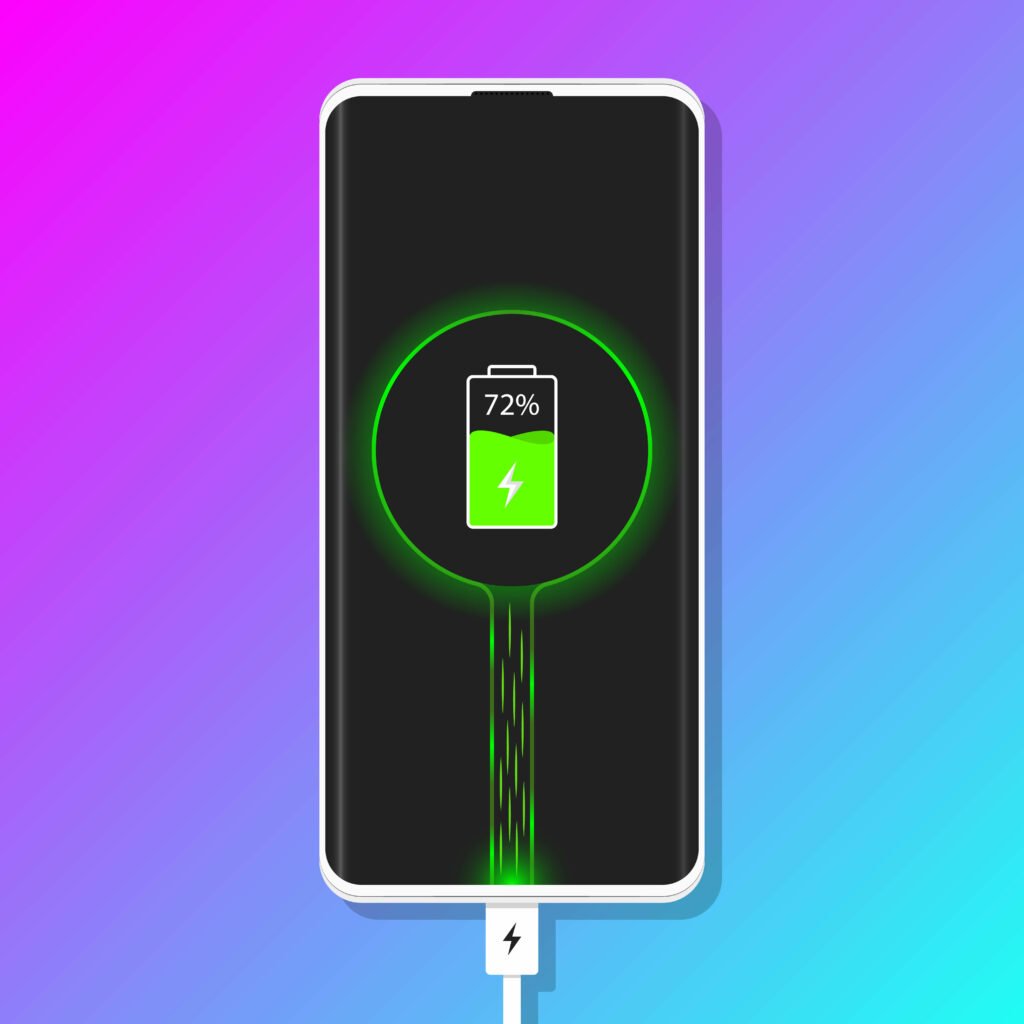
Additionally, the chosen method of charging also affects how quickly an iPhone charges. Wired charging through a Lightning cable connected to a power source tends to be faster than wireless charging or using portable chargers.
Battery Capacity and Charging Speed
Battery capacity plays a significant role in determining how long it takes for an iPhone to charge fully. A larger-capacity battery requires more energy input during the charging process compared to one with lower capacity.
Charging speed also impacts overall charging time significantly. For instance, using Apple’s 5W charger may take several hours for an average-sized smartphone battery (around 2-3 hours), while utilising their more powerful options like their 18W USB-C adapter could cut that time in half or even less.
Charging Methods For iPhones
There are various methods available when it comes to recharging your beloved iPhone:
Wired Charging
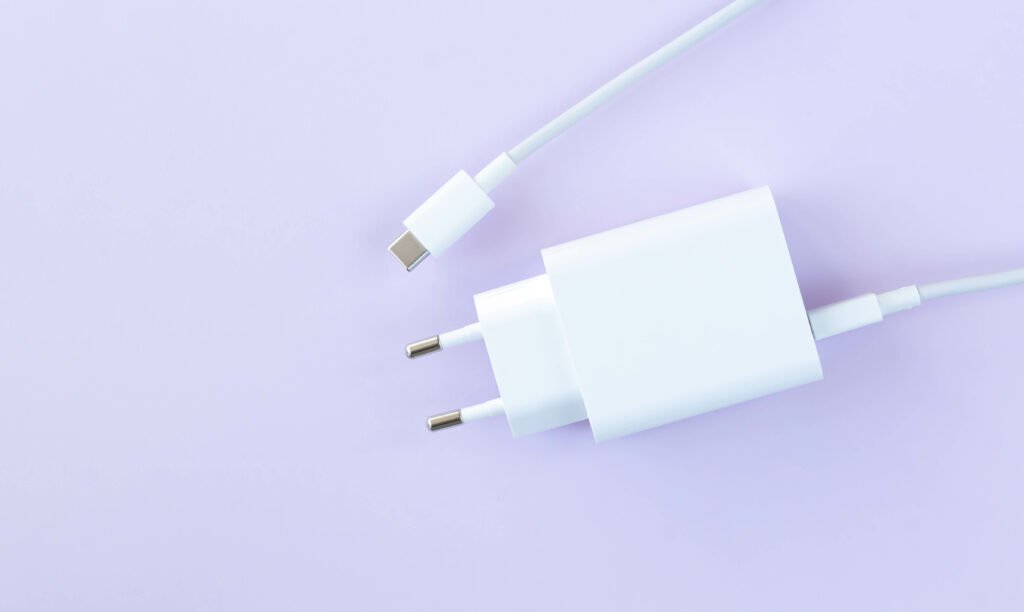
This traditional method involves connecting your device directly via its Lightning port using either Apple’s official Lightning cable or certified third-party cables. Wired charging is generally the fastest and most reliable method.
Wireless Charging
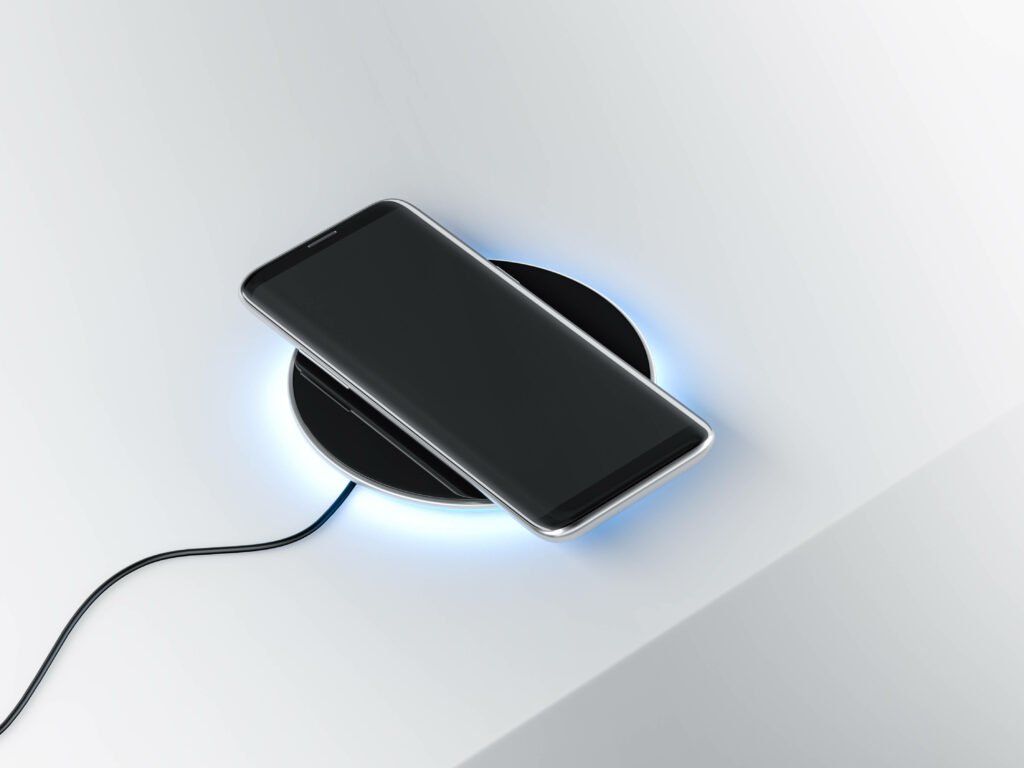
Introduced with the iPhone 8 and iPhone X, wireless charging allows users to charge their devices by placing them on a compatible charging pad or stand. While convenient, wireless charging tends to be slower than wired options due to energy loss during transmission.
Portable Chargers
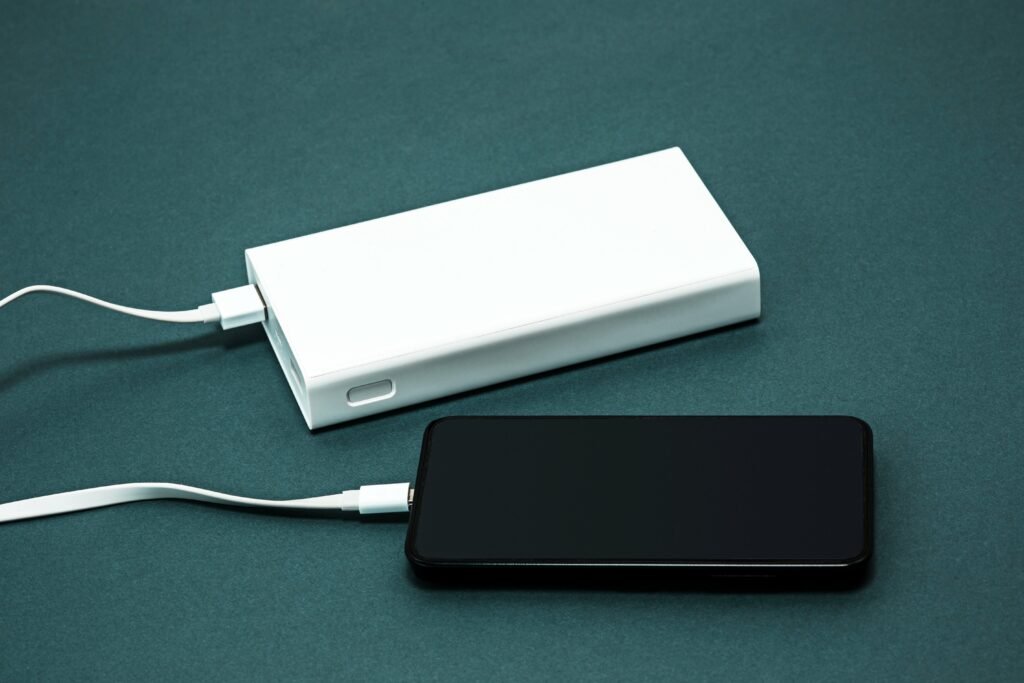
These handy devices come in various shapes and sizes, providing a portable power source for your iPhone when you’re on the go. They typically connect via USB and can charge your device multiple times before needing recharging themselves.
Also Read: Do iPads Have USB Ports
How To Optimise iPhone Charging Time
To make the most of your iPhone’s charging time, consider implementing these optimization techniques:
Use original charging cable and adapter
Apple’s official Lightning cable and charger are designed specifically for their devices, ensuring optimal performance. Using third-party accessories may result in slower charging speeds or even damage to your device.
Avoid extreme temperatures
Extreme heat or cold can negatively impact battery performance. It is best to charge your iPhone within a temperature range of 32°F (0°C) to 95°F (35°C).
Turn off unnecessary features
Closing background apps, disabling push email notifications, reducing screen brightness, and turning off Wi-Fi when not needed can help conserve battery life during the charging process.
Use low power mode
Activating Low Power Mode temporarily reduces power consumption by disabling certain features like background app refresh and visual effects. This can speed up the overall charging process significantly.
Common Charging Mistakes To Avoid
While it may be tempting to cut corners when it comes to iPhone chargers or usage habits, there are several common mistakes that should be avoided:
Using non-Apple chargers: Third-party chargers may not provide sufficient power output or have proper safety mechanisms in place. This could lead to slower charges or even damage your device.
Overcharging the battery: Leaving your iPhone plugged in for extended periods, especially overnight, can overcharge the battery and potentially reduce its overall lifespan. It is advisable to unplug your device once it reaches 100% or use a smart charger that automatically stops charging when full.
Charging the phone with a case on: Some cases may trap heat generated during charging, leading to slower charging speeds or even overheating. It is recommended to remove thick or heat-insulating cases while charging your iPhone.
How Long Should an iPhone Take To Charge?
The charging time for iPhones can vary depending on the model and its specific battery capacity. As an example, let’s compare the average charging times for three popular models:
– iPhone SE (2020): With its smaller battery capacity of around 1821mAh, using Apple’s 5W charger would take approximately 2 hours and 30 minutes to charge from 0% to 100%.
– iPhone XR: The XR has a larger battery capacity of about 2942mAh. Using Apple’s more powerful chargers like their 18W USB-C adapter could charge it from empty to full in around an hour and a half.
– iPhone 11 Pro Max: This model boasts one of the largest batteries among iPhones at approximately 3969mAh. Utilizing Apple’s fast-charging options could result in reaching full charge within an hour or less.
Fast Charging Options For iPhones
Apple offers fast-charging capabilities for certain iPhone models through their official accessories:
Apple Fast Charging: By using compatible chargers like their USB-C power adapters (18W or higher), users can significantly reduce their overall charging time compared to standard chargers.
Third-party fast-charging options: Various third-party manufacturers offer fast-charging solutions that are compatible with iPhones. These include wall adapters with higher wattages and USB-C cables designed specifically for fast charging.
Also Read: Is your iPhone still Waterproof after screen replacement?
Battery Health and its Impact On Charging Time
Optimise Charging Habits: Adopting smart charging habits can help preserve battery health and maintain optimal charging times. For instance, charging your iPhone in short bursts throughout the day rather than allowing it to continuously charge can reduce stress on the battery and promote longevity.
Utilise Low-Power Mode: Activating Low-Power Mode on your iPhone can extend battery life by reducing background activity and optimising system performance. While in this mode, the device may charge more efficiently, resulting in shorter charging times.
Monitor Battery Usage: Keeping an eye on battery usage patterns can provide valuable insights into potential issues affecting charging time. Check the Battery Usage section in Settings to identify apps or processes consuming excessive power, which could be impacting charging speed.
Implement Battery Calibration: Periodically calibrating your iPhone’s battery can help ensure accurate reporting of its capacity and optimise charging efficiency. This involves fully charging the battery, then allowing it to drain completely before charging it back to full capacity.
Consider Battery Replacement: If your iPhone’s battery health has significantly deteriorated, replacing the battery may be necessary to restore optimal charging performance. Apple offers battery replacement services for eligible devices, which can improve charging times and overall battery life.
Manage Background Activity: Background processes and apps can consume power and slow down charging. Closing unnecessary apps and disabling background refresh for non-essential services can free up resources and accelerate charging speed.
Investigate Charging Accessories: Sometimes, the culprit behind slow charging times may be the charging cable or adapter. Ensure you’re using genuine Apple charging accessories or high-quality third-party alternatives that are compatible with your iPhone model for optimal performance.
Avoid Overcharging: Leaving your iPhone plugged in after it reaches full charge can potentially degrade the battery over time. To prevent overcharging, consider using features like Optimised Battery Charging (available in newer iOS versions) or simply unplug the device once it reaches 100%.
Reset Settings: Occasionally, resetting your iPhone’s settings can resolve software-related issues that might be affecting charging time. This can be done through the Settings app under General > Reset > Reset All Settings, though be aware that this will reset all preferences to their default values.
Seek Professional Assistance: If you’ve tried various troubleshooting steps and your iPhone still takes an unusually long time to charge, it may be indicative of a hardware problem. In such cases, contacting Apple Support or visiting an authorised service provider for diagnosis and repair is recommended.
Compatibility Of Charging Accessories With iPhones
Ensuring that your charging accessories are compatible with your iPhone is crucial for efficient and safe charging. Using incompatible accessories can not only result in slower charging speeds but also pose potential risks to your device’s battery health and overall functionality. Here’s a detailed exploration of the factors to consider regarding the compatibility of charging accessories with iPhones:
Connector Type
iPhones primarily use Lightning connectors for charging and data transfer. However, with the introduction of USB-C on some newer models, compatibility may vary depending on the device. It’s essential to verify whether your charging accessory utilises the correct connector type to establish a proper connection with your iPhone.
Power Output
Different charging accessories provide varying levels of power output, commonly measured in watts (W) or volts (V) and amps (A). iPhones typically support a range of charging speeds, with newer models capable of fast charging. Ensuring that your charging accessory can deliver adequate power output compatible with your iPhone’s charging capabilities is essential for efficient charging.
Certification and Standards
Apple-certified accessories undergo rigorous testing to meet Apple’s standards for quality, safety, and compatibility. Look for accessories that bear the “Made for iPhone” (MFi) certification logo to ensure compatibility and minimise the risk of damage to your device. Using uncertified or counterfeit accessories can lead to malfunctions, overheating, or even permanent damage to your iPhone.
Voltage Compatibility
iPhones are designed to accept charging voltages within a specific range to ensure safe and reliable operation. Using a charging accessory with incompatible voltage output can potentially damage your iPhone’s battery or other internal components. Verify that the voltage output of your charging accessory aligns with your iPhone’s specifications to prevent any adverse effects.
Amperage Compatibility
Amperage, or current, is another critical factor in charging compatibility. iPhones are designed to draw a specific amount of current during charging, depending on the model and charging method. Using a charging accessory with insufficient amperage may result in slower charging speeds or inconsistent performance. Ensure that the amperage output of your accessory matches or exceeds the requirements of your iPhone for optimal charging efficiency.
Cable Quality and Integrity
The quality and integrity of the charging cable also play a significant role in charging compatibility. Damaged or frayed cables can impede the flow of power, leading to slower charging speeds or intermittent connections. Use high-quality cables that are free from physical damage and certified for use with iPhones to ensure reliable charging performance.
Compatibility with Protective Cases
If you use a protective case on your iPhone, ensure that your charging accessory’s connector design allows for a secure connection without interference from the case. Some bulkier cases may prevent certain charging accessories from making a proper connection, resulting in unreliable charging or the need to remove the case during charging.
Future Compatibility
As Apple continues to innovate and release new iPhone models, it’s essential to consider the future compatibility of your charging accessories. Investing in accessories that support the latest charging standards and technologies, such as USB Power Delivery (USB-PD) for fast charging, can ensure compatibility with future iPhone models and maximise the lifespan of your accessories.
In summary, compatibility of charging accessories with iPhones encompasses various factors, including connector type, power output, certification, voltage and amperage compatibility, cable quality, compatibility with protective cases, and future compatibility. By selecting high-quality, certified accessories that meet your iPhone’s charging requirements, you can ensure efficient and safe charging while prolonging the lifespan of your device’s battery.
Troubleshooting Slow Charging Issues
If you find that your iPhone is taking longer than usual to charge or experiencing slow charging issues, consider these troubleshooting steps:
Check the charger and cable: Ensure that both the charger and cable are undamaged and functioning correctly. Faulty cables or chargers may result in slower charging speeds.
Clean the Lightning port: Over time, lint or debris may accumulate in the Lightning port of your iPhone, obstructing proper connection with the cable. Gently clean it using a soft brush or compressed air if necessary.
Restart your device: Sometimes a simple restart can resolve minor software glitches that could be affecting charging speed.
Reset settings as a last resort: If all else fails, you can try resetting all settings on your iPhone by going to Settings > General > Reset > Reset All Settings. Note that this will not erase any data but will revert all settings back to their default state.
Conclusion and Final Thoughts On iPhone Charging Time
In conclusion, understanding how various factors influence iPhone charging time is essential for optimising both convenience and battery health. Battery capacity plays a significant role in determining charging time, while charging speed depends on the charger and cable used. Wired charging tends to be faster than wireless options, and portable chargers provide a convenient solution for on-the-go power.
To optimise iPhone charging time, it is advisable to use original Apple accessories, avoid extreme temperatures, turn off unnecessary features, and utilise low power mode when needed. Additionally, common mistakes such as using non-Apple chargers or overcharging the battery should be avoided.
Different iPhone models have varying battery capacities and can benefit from fast-charging options provided by Apple or third-party manufacturers. Maintaining battery health through proper usage habits can also impact overall charging time.
If you encounter slow charging issues, troubleshooting steps such as checking cables and chargers or cleaning the Lightning port may help resolve them. Ultimately, optimising iPhone charging time ensures convenience in our daily lives while preserving the longevity of our devices’ batteries.
FAQs
What is the average charging time for an iPhone?
The average charging time for an iPhone is around 2-3 hours.
What factors affect the charging time of an iPhone?
The charging time of an iPhone can be affected by various factors such as the battery capacity, the charging cable and adapter used, the temperature of the environment, and the usage of the phone while charging.
Is it safe to charge an iPhone overnight?
It is generally safe to charge an iPhone overnight, as modern smartphones are designed to stop charging once the battery is full. However, it is recommended to unplug the phone once it reaches 100% to prevent overcharging and prolong the battery life.
Can using a non-Apple charger affect the charging time of an iPhone?
Using a non-Apple charger can affect the charging time of an iPhone, as the charging speed and efficiency may vary depending on the quality and compatibility of the charger. It is recommended to use an Apple-certified charger for optimal performance.
How can I speed up the charging time of my iPhone?
To speed up the charging time of an iPhone, you can use a higher wattage charger (such as the 18W USB-C power adapter), turn on airplane mode to reduce power consumption, and avoid using the phone while charging. It is also important to use a high-quality charging cable and keep the phone and charger in a cool, dry place.
PK|08102080|1:30|CON